

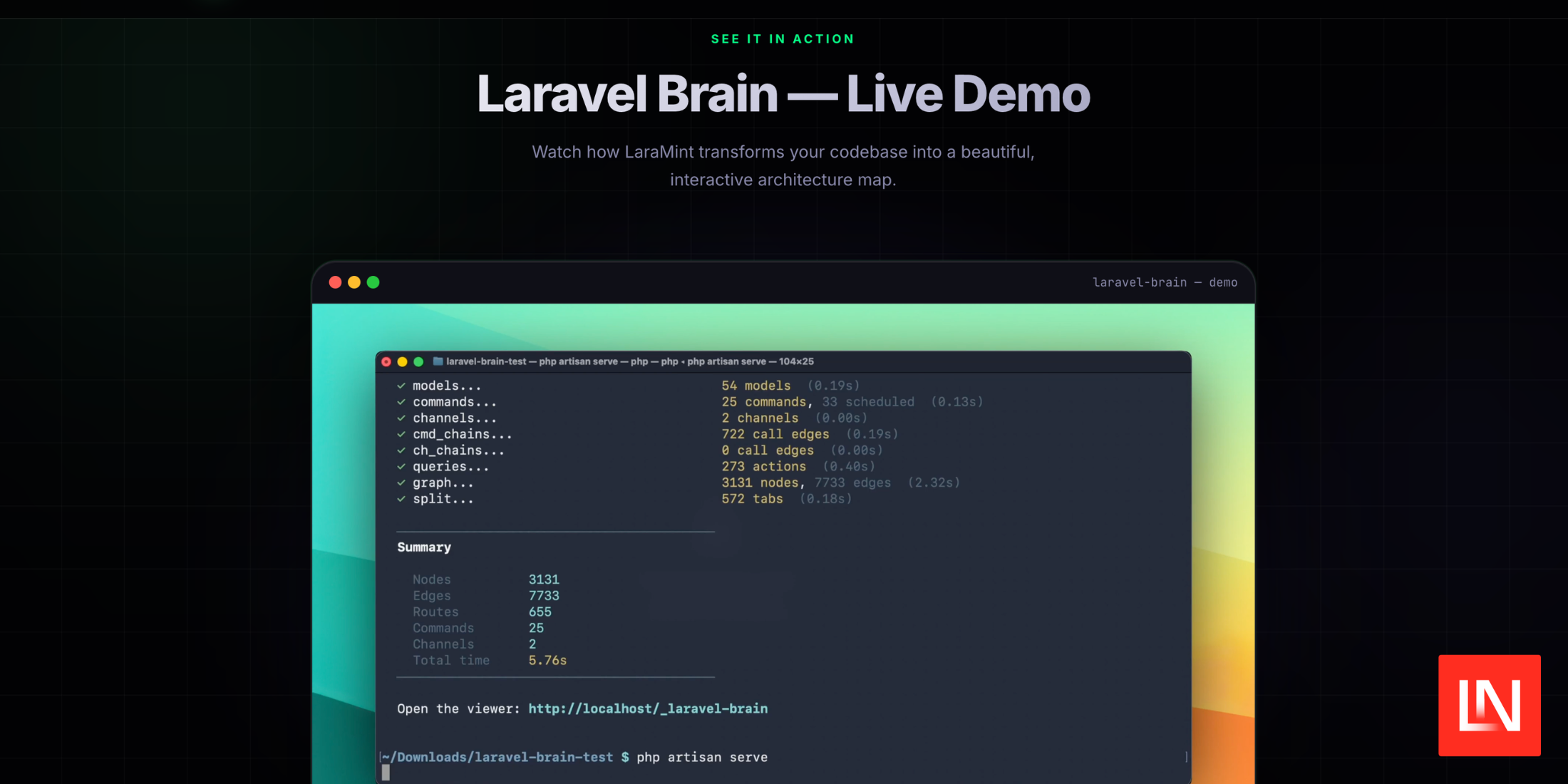
Ever wondered what happens to a request in a Laravel app from the moment it hits the server to the final response?
Laravel Brain is a lightweight debugging aid that maps the entire request lifecycle in a clear, visual flow. It shows you the callbacks, middleware, and services that run, helping you spot bottlenecks, missing callbacks, or mis‑ordered middleware.
Why Visualizing Helps Developers
- Instant Insight – Quickly see which middleware ran and in what order.
- Performance Tuning – Identify expensive middleware or event listeners.
- Debugging Made Easy – Spot where a request diverges from the expected path.
- Team Collaboration – Share a screenshot of the flow with peers or in a ticket.
How Laravel Brain Works Under the Hood
1. Hooking into the HTTP Kernel
The brain patches the Illuminate\Foundation\Application and Illuminate\Foundation\HttpKernel classes to log every bootstrapped component.
2. Capturing Middleware Execution
When a request enters the middleware stack, the brain records timestamps and the class name. It distinguishes between global, route‑group, and per‑route middleware.
3. Tracking Events & Listeners
Laravel’s event system is another critical part of the lifecycle. Laravel Brain logs Illuminate\Events\Dispatcher calls, so you know which listeners fired and how long they took.
4. Rendering the Flow Diagram
All captured data is sent to a small JavaScript chart built with mermaid.js, rendered in the browser console or a dedicated .brain route.
Getting Started in 5 Minutes
- Install via Composer
composer require --dev laravelbrain/brain - Publish the Configuration
php artisan vendor:publish --provider="LaravelBrain\BrainServiceProvider" --tag="config" - Enable in
.envBRAINS_ENABLED=true - Run Your App – The brain automatically attaches to the request pipeline.
- View the Diagram – Navigate to
/brainor open the browser console to see the flow.
Practical Use Cases
- New Feature Debugging – When a feature isn’t behaving as expected, the diagram shows if the correct middleware and event listeners executed.
- Performance Audits – Spot middleware that add 2+ms latency; replace or optimize.
- Security Checks – Ensure authentication middleware ran before sensitive routes.
- Team Onboarding – New devs can click the diagram to understand request flow.
Limitations & Tips
- It is a dev‑time tool;
BRAINS_ENABLEDshould befalsein production. - Large applications can produce verbose diagrams; use filters in the config.
- Combine with Laravel Telescope for deeper insights into queries and cache.
Conclusion
Laravel Brain turns an abstract request lifecycle into a concrete, shareable map. By visualizing middleware, events, and services, you gain mastery over your application flow, leading to faster debugging, better performance, and clearer documentation.
Give it a try and watch your Laravel debugging workflow transform—because seeing is precisely knowing.

Comments are closed, but trackbacks and pingbacks are open.